

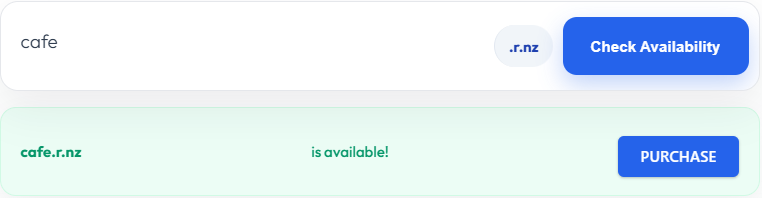
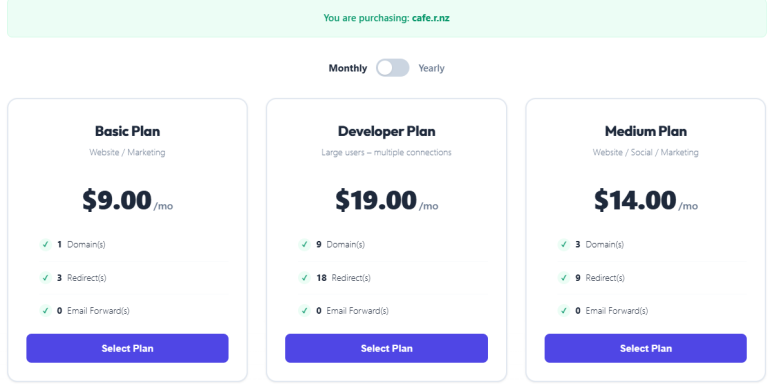
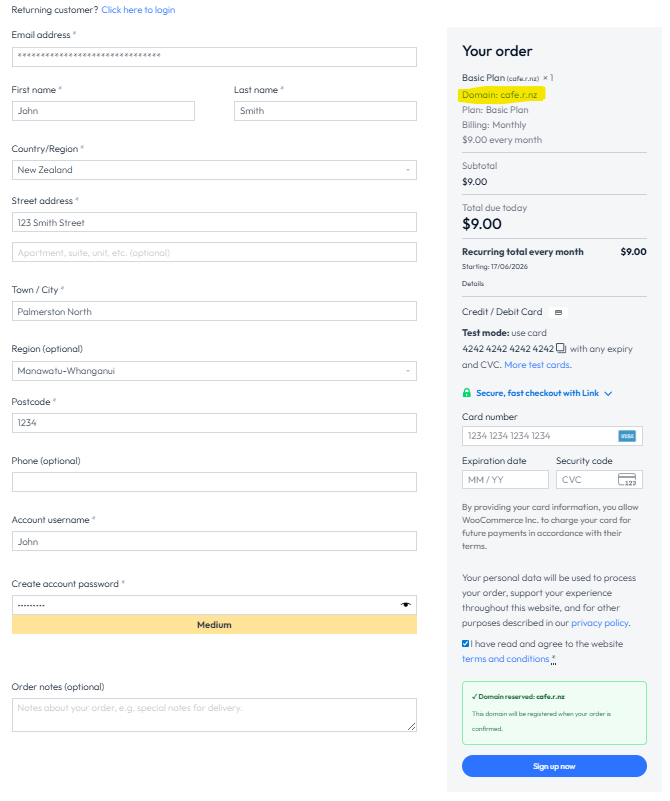


Select a suitable plan.
You can choose a monthly or yearly payment plan. Plans can be changed later if required.
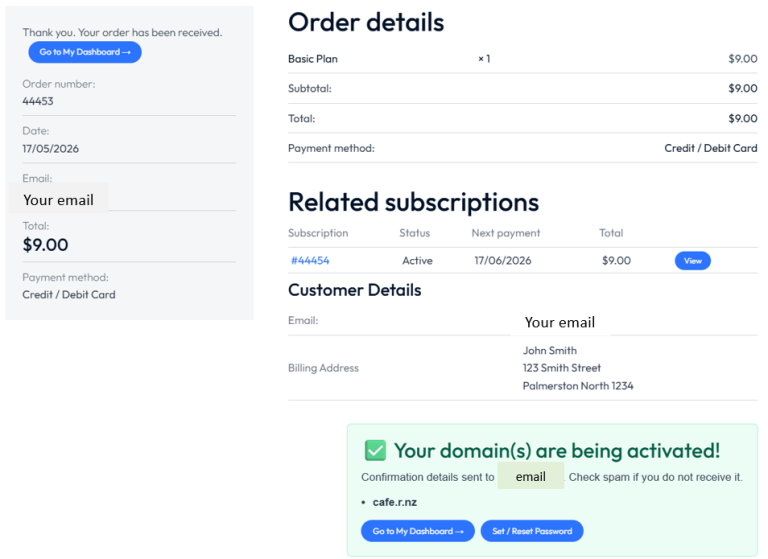
Please wait for your account to be approved. This can take 30 – 60 seconds
Once approved, your account is active. You will also receive email confirmation.
Select: Go to My Dashboard (as displayed in the green box above)
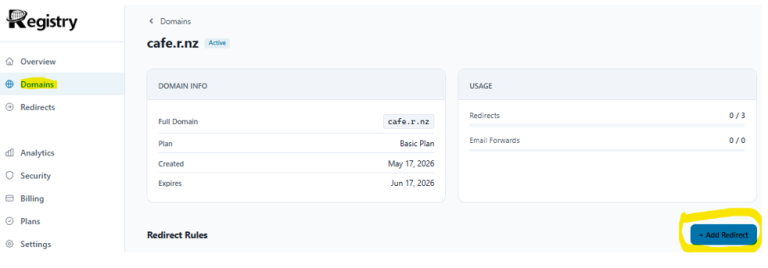
Select: Manage
Select: + Add Redirect
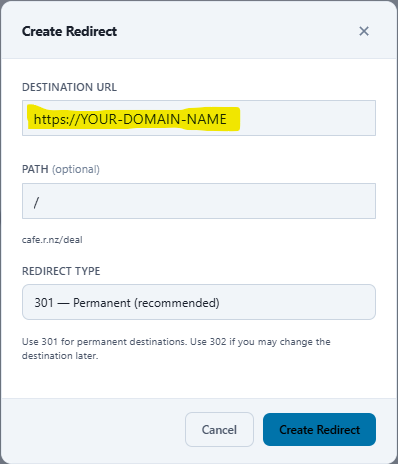
Enter your destination website or social media address. You can copy and paste it into the DESINATION URL field. This destination can be changed at any time.
You can also add additional PATH’s (optional) for new redirects later – e.g. cafe.r.nz/menu
Select: Create Redirect
Note: Our security system will check that your destination is safe. If it is flagged unsafe, you will receive a warning message. More information about the warning can be found on the ‘Additional functions link’ below. Note: The security test can take a few minutes to complete.
CONGRADULATION. Your connection is now live 😊
How to check your new name
Open your web browser to confirm that you name and redirection is active. e.g. cafe.r.nz with an instant redirection to your cafe’s website or socials.
Once you have typed your new name into the browser, enter and it will instantly redirect to your chosen URL.
Additional functions -> Directs to new page – coming soon
Got questions or want to speak to a real person? Fill out the form below & our specialist will contact you.